Trusted Connections is Roblox's workaround for the age-based chat restrictions. If you can't talk to your friends because you're in different age groups, this feature lets you bypass those limits for specific people you know in real life. I've helped dozens of parents set this up after their kids got spam messages from Bloxdrop bots.
I spent two hours figuring this out after the update killed chat with half my friend list. The feature exists but Roblox buried it. Here's how to use it.
What Trusted Connections Does
Normal Roblox chat now restricts who you can message based on age groups. A 15-year-old can't chat with a 21-year-old, even if they're siblings or real-life friends.
Trusted Connections removes these restrictions for specific people. Once someone is your Trusted Connection:
- Full chat access regardless of age group
- No message filtering between you two
- Voice chat works normally
- Party features enabled
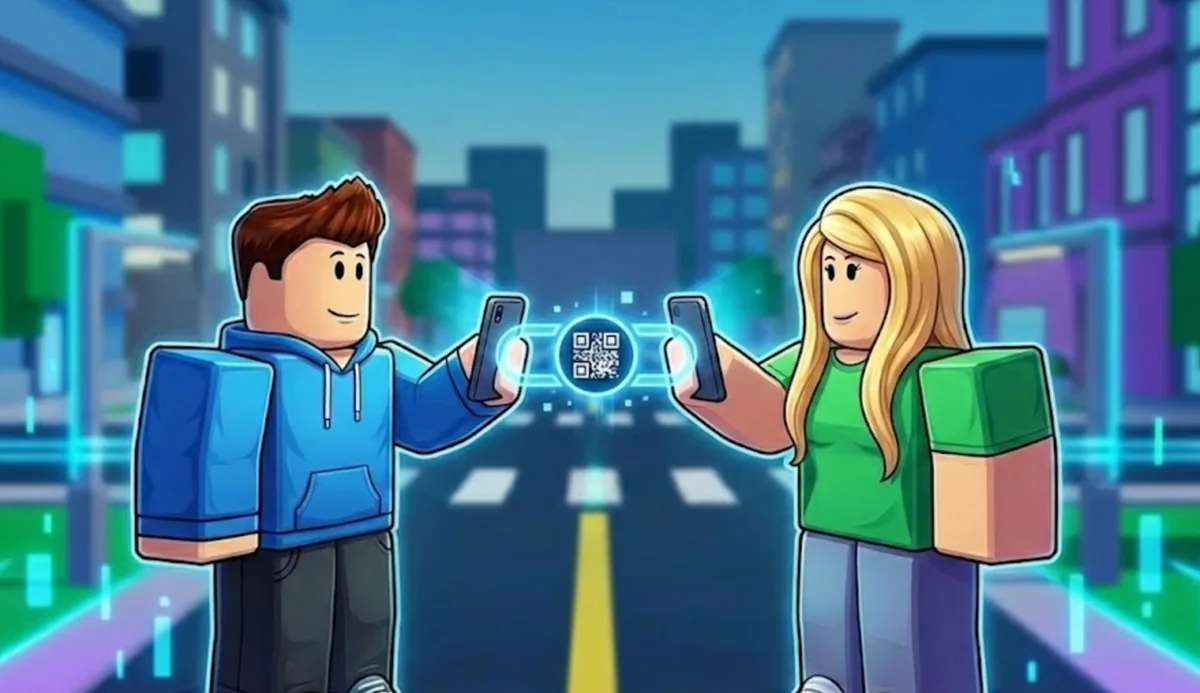
The catch: you need to verify you know this person in real life. Roblox uses a QR code system to confirm you're physically near each other (or can share a code through other means).
How to Add a Trusted Connection
Both players need to be on the Roblox mobile app. The QR code feature doesn't work on desktop or console yet.
Person A (Sending the Request)
- Open the Roblox mobile app
- Tap the three dots menu (bottom right)
- Go to Settings
- Scroll to Privacy
- Find Trusted Connections
- Tap Add Trusted Connection
- A QR code appears on your screen
Person B (Receiving the Request)
- Open the Roblox mobile app
- Tap the three dots menu
- Go to Settings
- Scroll to Privacy
- Find Trusted Connections
- Tap Scan QR Code
- Point your camera at Person A's QR code
- Confirm the connection request
Both players get a notification. Accept it, and you're now Trusted Connections.
Alternative: Share the Code Manually
If you're not physically together, you can screenshot the QR code and send it through Discord, text, or any other app.
Person A:
- Generate the QR code (steps above)
- Screenshot it
- Send the screenshot to your friend
Person B:
- Save the screenshot
- In Roblox, tap Scan QR Code
- Instead of using camera, tap Import from Photos
- Select the QR code screenshot
This works but defeats Roblox's "verify you know them IRL" intent. They might patch this eventually.
Trusted Connections vs Regular Friends
| Feature | Regular Friend | Trusted Connection |
|---|---|---|
| See online status | Yes | Yes |
| Join games together | Yes | Yes |
| Chat (same age group) | Yes | Yes |
| Chat (different age group) | No | Yes |
| Unfiltered messages | No | Yes |
| Voice chat across ages | No | Yes |
| Party voice | Limited | Full |
Regular friends still exist. Trusted Connections is an additional layer on top of friendship.
Who Should You Add?
Roblox designed this for:
- Siblings in different age brackets
- Real-life friends you game with
- Family members who play together
The QR code requirement is meant to stop random people from becoming Trusted Connections. In practice, anyone who can share a screenshot can connect.
Be careful who you add. Trusted Connections removes safety filters. Only add people you actually know and trust.
Troubleshooting
QR code won't scan
- Make sure both players are on mobile app (not website)
- Check camera permissions for Roblox
- Try better lighting
- Hold the phone steady
- Make the QR code bigger on screen
"Trusted Connections not available"
- Feature is rolling out gradually
- Update your Roblox app to latest version
- Try again in a few hours
- Some regions got it later than others
Can't find the option in Settings
The menu path varies slightly by app version:
- Settings > Privacy > Trusted Connections
- Settings > Account Info > Trusted Connections
- Profile > Settings gear > Privacy
If you genuinely can't find it, your app version might not have it yet. Check for updates.
Connection request expired
QR codes expire after a few minutes. Generate a fresh one if the first didn't work.
Friend accepted but still can't chat
Give it 5-10 minutes. The system sometimes lags. If still broken after an hour, both players should:
- Log out of Roblox
- Close the app completely
- Reopen and log back in
- Try chatting again
Limits and Restrictions
How many Trusted Connections can you have?
Roblox hasn't published an official limit. Players report adding 10+ without issues. There's probably a cap somewhere, but casual players won't hit it.
Can you remove a Trusted Connection?
Yes. Go to Settings > Privacy > Trusted Connections > tap the person > Remove.
Do both players need to be verified?
No. Trusted Connections works regardless of age verification status. It's separate from the face scan system.
Does this work on Xbox/PlayStation?
Not for setup. You need mobile to scan QR codes. But once connected, the Trusted Connection status applies across all platforms.
Why This Feature Exists
Roblox got hit with regulations requiring age-based chat separation. Australia, Netherlands, and New Zealand went first. Global rollout happened in January 2026.
The problem: real families and friend groups got split up. A parent couldn't chat with their kid. Siblings couldn't coordinate in games.
Trusted Connections is Roblox's solution. It's clunky, but it works. The QR code requirement adds friction to prevent abuse while letting legitimate connections bypass restrictions.
Tips for Parents
If your kid plays Roblox and you want to chat with them in-game:
- Both of you need the mobile app installed
- Sit together and scan the QR code
- You become Trusted Connections permanently
- Now you can message and voice chat regardless of age groups
This also works for monitoring. As a Trusted Connection, you can see their unfiltered chat. Some parents use this to keep an eye on conversations.
What Trusted Connections Doesn't Fix
Region restrictions. If you're in Australia/NZ/Netherlands and your friend is in the US, Trusted Connections helps with age groups but not region locks. You might still have issues.
Game-specific chat. Some games have their own chat systems that don't respect Trusted Connections. Most do, but a few don't.
Voice chat eligibility. You still need to be age-verified for voice chat. Trusted Connections lets you VC with people in different age groups, but both players need VC enabled first.
Related Help Articles
- Roblox Age Verification Wrong Age Fix - Got put in wrong age group
- Roblox Voice Chat Disappeared Fix - VC missing after update
- Roblox Region Chat Restrictions Fix - Australia/NZ/Netherlands issues