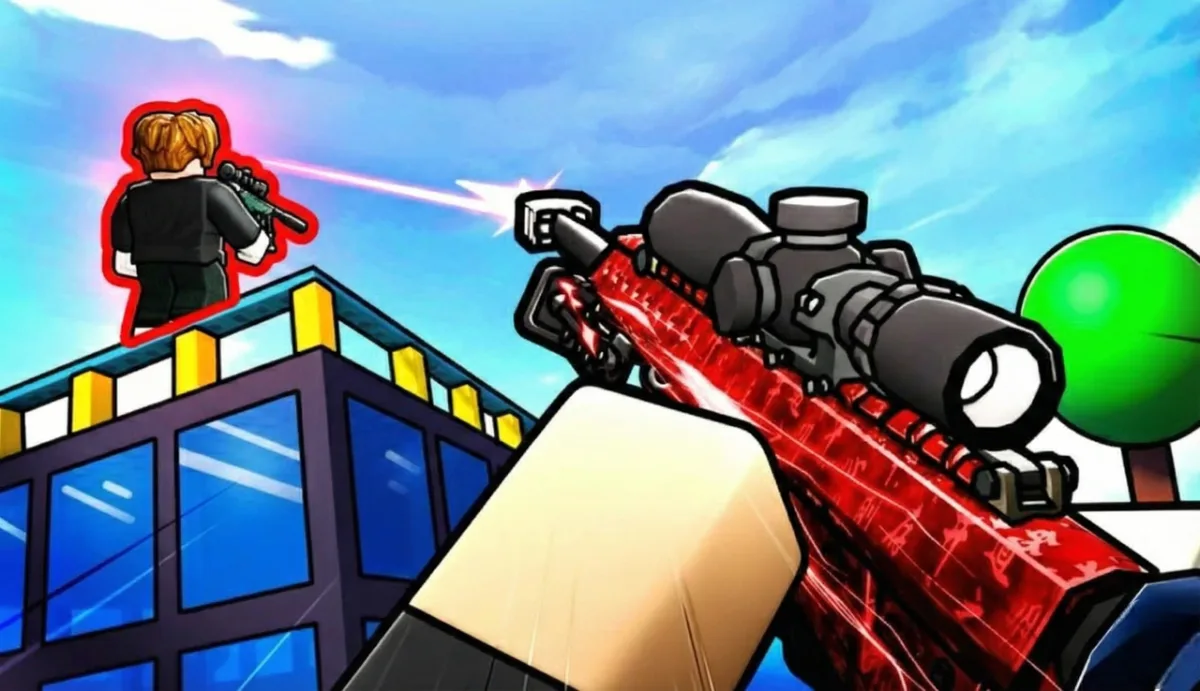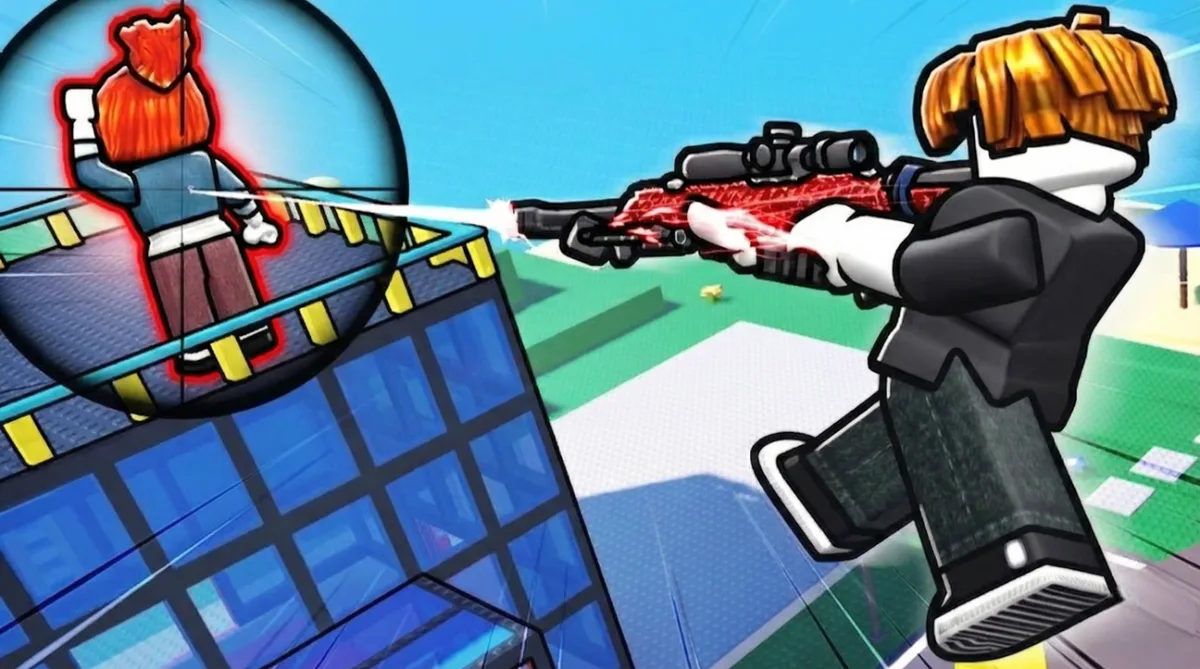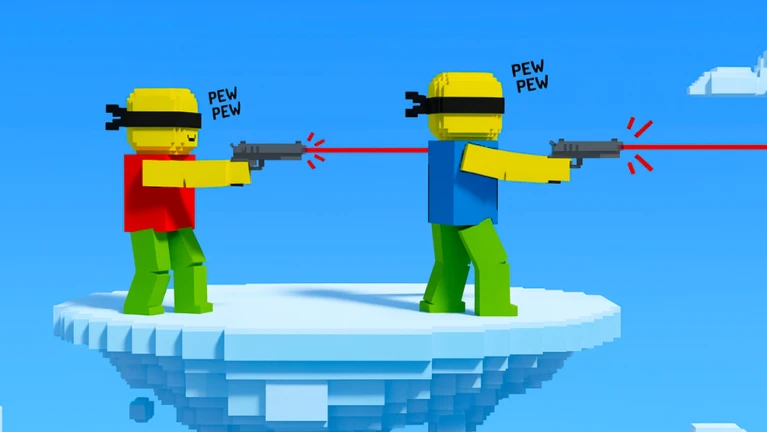
Blind Shot controls: WASD move, Mouse aim, Left Click shoot, R reload. Lower your sensitivity to 0.3-0.5 (not your normal shooter sens). Pre-aim during countdown, don't move your mouse when round starts. The game rewards positioning, not reaction time.
Spent my first 10 matches fumbling with controls before realizing the game doesn't care about your reaction time. It cares about where you're already aiming when the round starts. Once I understood that, I stopped trying to flick and started focusing on pre-positioning. Win rate doubled.
Grab the working Blind Shot codes for free coins and boosts while learning.
PC Controls
The control scheme is intentionally simple.
Movement: W forward, A left, S backward, D right, Space jump (rarely useful), Shift sprint/walk
Combat: Left mouse button shoot, right mouse button aim down sights (if weapon supports it), R or E reload, mouse movement to look around and aim
Interface: ESC menu/settings, Tab scoreboard, Enter chat
That's it. No complex ability keybinds, no item slots, no special charges. Blind Shot keeps it minimal because the challenge isn't remembering controls. It's predicting where enemies will be.
Mobile Controls
Mobile Blind Shot works better than I expected.
Left side: Virtual joystick for movement in all directions. Appears where you place your thumb.
Right side: Drag anywhere to look around and aim. Fire button bottom right. Reload button. Jump button if enabled.
Tip: Use your right thumb for aiming and a finger from your left hand for the fire button. This lets you aim and shoot simultaneously without lifting your aiming thumb.
The biggest mobile disadvantage isn't the controls. It's the smaller screen making it harder to spot visual cues. But for casual play, mobile works fine.
Sensitivity Settings
Here's where most players mess up. They use their normal shooter sensitivity, which is way too high for Blind Shot.
Why lower sensitivity wins: Blind Shot isn't about flicking to targets. You can't see enemies until it's almost too late. The game rewards pre-aiming, positioning your crosshair where enemies WILL be, not reacting to where they are.
High sensitivity helps with fast reactions. Low sensitivity helps with precise positioning. Blind Shot needs positioning.
My recommended settings: Camera Sensitivity 0.3 to 0.5, Mouse DPI 800 to 1200
How to change: Press ESC to open menu, click Settings (gear icon), find Camera Sensitivity slider, adjust to your preference, test in a match and fine-tune.
I started at 0.8 sensitivity (my usual for shooters) and kept overshooting my pre-aim positions. Dropped to 0.4 and suddenly my crosshair stayed exactly where I put it.
Pre-Aiming
Controls in Blind Shot matter less than WHERE you're aiming before the round starts.
The countdown phase is everything. You have a few seconds before combat begins. Use this time to position your crosshair at head height, aim at common spawn points, pick an angle and commit to it.
Don't move your mouse during the countdown. Find your spot and hold it. Movement creates uncertainty. Stillness creates precision.
Learn the spawn patterns. After 20+ matches, you'll notice enemies spawn in predictable areas. Pre-aim those spots.
I wasted hours trying to out-react opponents. Then I realized the best players weren't reacting at all. They were already aimed at the right spot when the round started.
Common Mistakes
Moving the camera constantly. New players pan their view looking for enemies. By the time you spot someone, they've already shot you. Pick a direction and commit.
Using sprint. Sprinting makes noise and reduces accuracy. In a one-shot game, accuracy matters more than speed. Walk, don't run.
Jumping. Jumping in Blind Shot just makes you an easier target. You're airborne, predictable, and can't shoot accurately. Stay grounded.
High sensitivity. Already covered this but worth repeating. Lower your sensitivity. You're not flicking, you're pre-positioning.
Spam clicking. One shot, one kill. Spam clicking just wastes ammo and creates noise. Slow down, aim properly, shoot once.
Weapon-Specific Controls
Standard weapons: Point and click. No special mechanics.
Scoped weapons: Right-click to aim down sights for better accuracy. The scope narrows your view but improves precision.
Shotguns: Wider spread means less precise aiming needed, but you need to be closer. Movement matters more than exact aim.
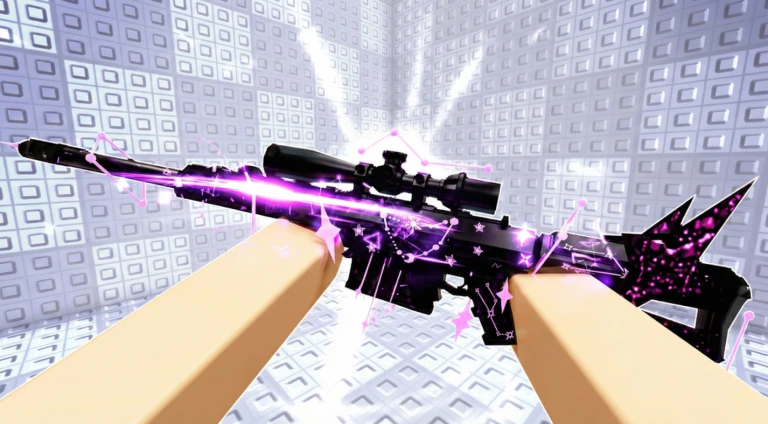
Snipers: Highest precision required. Use the lowest sensitivity you're comfortable with. One pixel off can mean a miss.
I recommend starting with standard weapons until you've learned the basic controls and pre-aiming. Specialized weapons add complexity you don't need while learning.
Controller Support
Blind Shot supports Xbox and PlayStation controllers through Roblox.
Movement: Left stick. Aiming: Right stick. Shoot: Right trigger. Reload: X/Square or bumper. Menu: Start/Options.
Controller works, but I don't recommend it for Blind Shot. The precision required for pre-aiming is much easier with a mouse. Controller players are at a disadvantage here.
My Settings
After 50+ hours:
Camera Sensitivity: 0.4
Mouse DPI: 1000
Graphics: Medium (for consistent frame rate)
Sound: Max (audio cues matter)
Shift Lock: Off (limits camera movement)
The graphics setting matters more than you'd think. Consistent 60fps means consistent mouse response. Drops in frame rate make your sensitivity feel inconsistent.
Quick Reference
PC: WASD move, Mouse aim, Left Click shoot, R reload, ESC menu
Mobile: Left joystick move, Right drag aim, Fire button shoot
Settings: Sensitivity 0.3 to 0.5, DPI 800 to 1200
More Guides
Check out Blind Shot Codes for free coins and skins.
Related FPS Games
- RIVALS Codes - Best traditional FPS on Roblox
- Knife Arena Codes - Another prediction-based combat game
- Hide or Die Codes - Prop hunt with 14 codes
50+ hours of missing shots before figuring out the controls. Lower your sensitivity.